What is captured
CodeTogether AI is designed so the data that answers your questions stays inside your perimeter. This page states the capture boundary plainly, because it is the first thing both engineering leaders and developers ask.
- Deployment: SaaS, On-premises
What is captured
Activity from three surfaces feeds the platform.
Git repositories you configure. Commits, branches, push events, and merge outcomes from the repositories you register. The platform does not scan repositories you have not explicitly added.
Supported IDEs. IDE plugins for VS Code, IntelliJ, Eclipse, and Visual Studio capture development activity as coarse interval signals: whether coding, browsing, debugging, or testing was active in each 30-second window. No keystrokes, no file names, and no character counts cross the wire.
AI agent sessions. Agent tool calls, token counts, session boundaries, and dollar costs from agentic command-line tools (CLIs) such as Claude Code, Codex, and Cursor are recorded when those tools run inside a tracked repository.
The capture boundary is developer activity within these configured surfaces. General computer use and application usage outside them are not captured.
What is never collected
The following data is not collected at any point:
- Source-code file content. The text of your code never leaves the developer's machine as part of normal tracking. Line counts and attribution are computed locally; only the derived numbers upload.
- AI prompt and completion content. What a developer types into an AI assistant and what the assistant replies are not recorded. Token counts are.
- Developer passwords and authentication tokens. Identity comes from the Git committer name and email already in your commits. No developer logs in to the tracker, and no credentials are stored or transmitted.
This is an architectural guarantee, not a configuration choice. The client-side tracker computes attribution locally and sends only derived counts to the server.
Identity: Git committer, not a login
The platform identifies a developer by the user.name and user.email already set in their
Git config — the same identity that appears in git log. No separate account, no login
step, and no license key per developer.
Commits carrying a Git email the platform has not seen before appear as a new developer identity and accumulate their own activity record. Linking that record to a portal user — a person with a login to the CodeTogether AI web portal — is optional and done by an admin, not by the developer. If one person commits under more than one email, an admin can link those identities so the activity is combined — see Members and developers.
The one optional outbound path
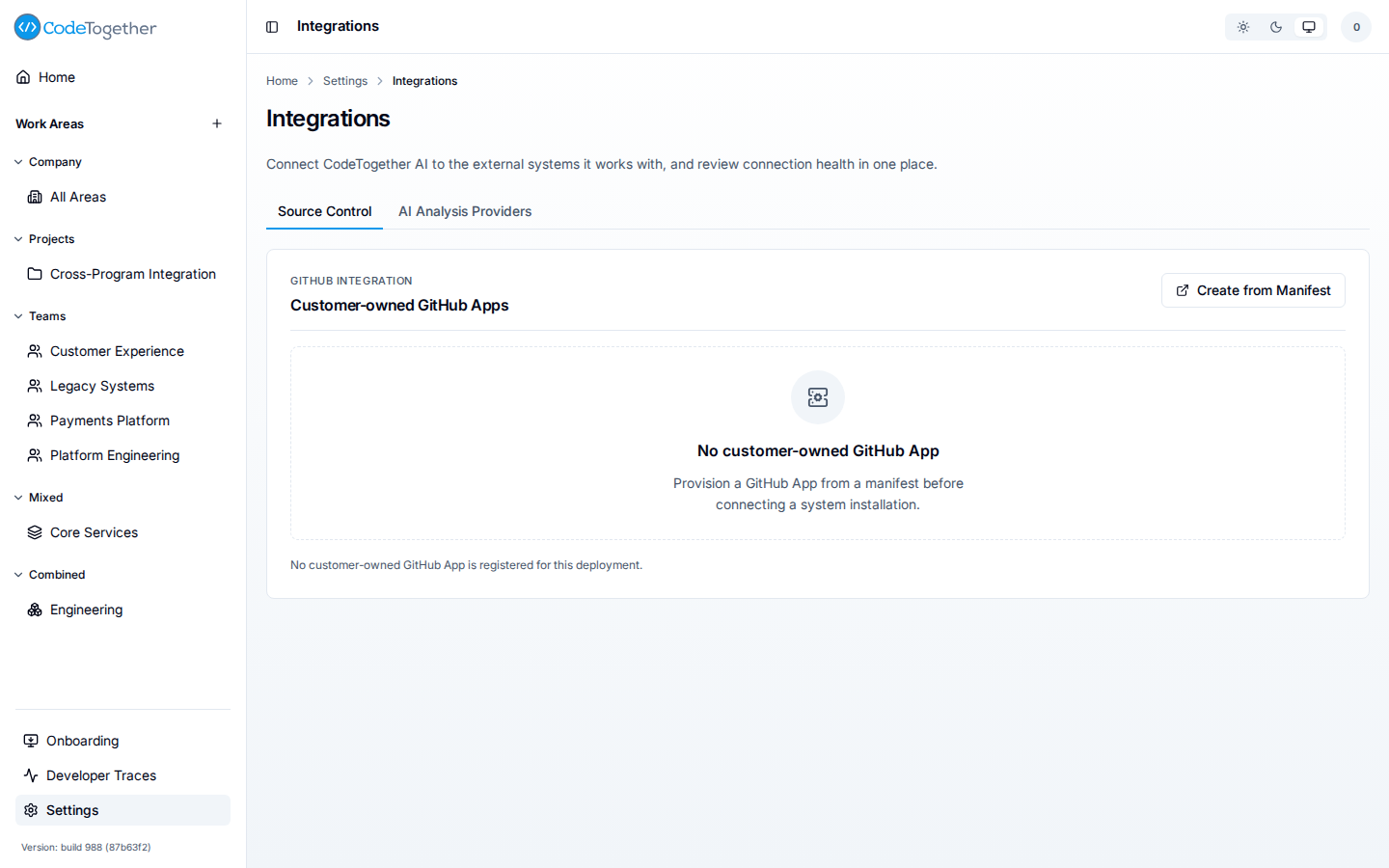
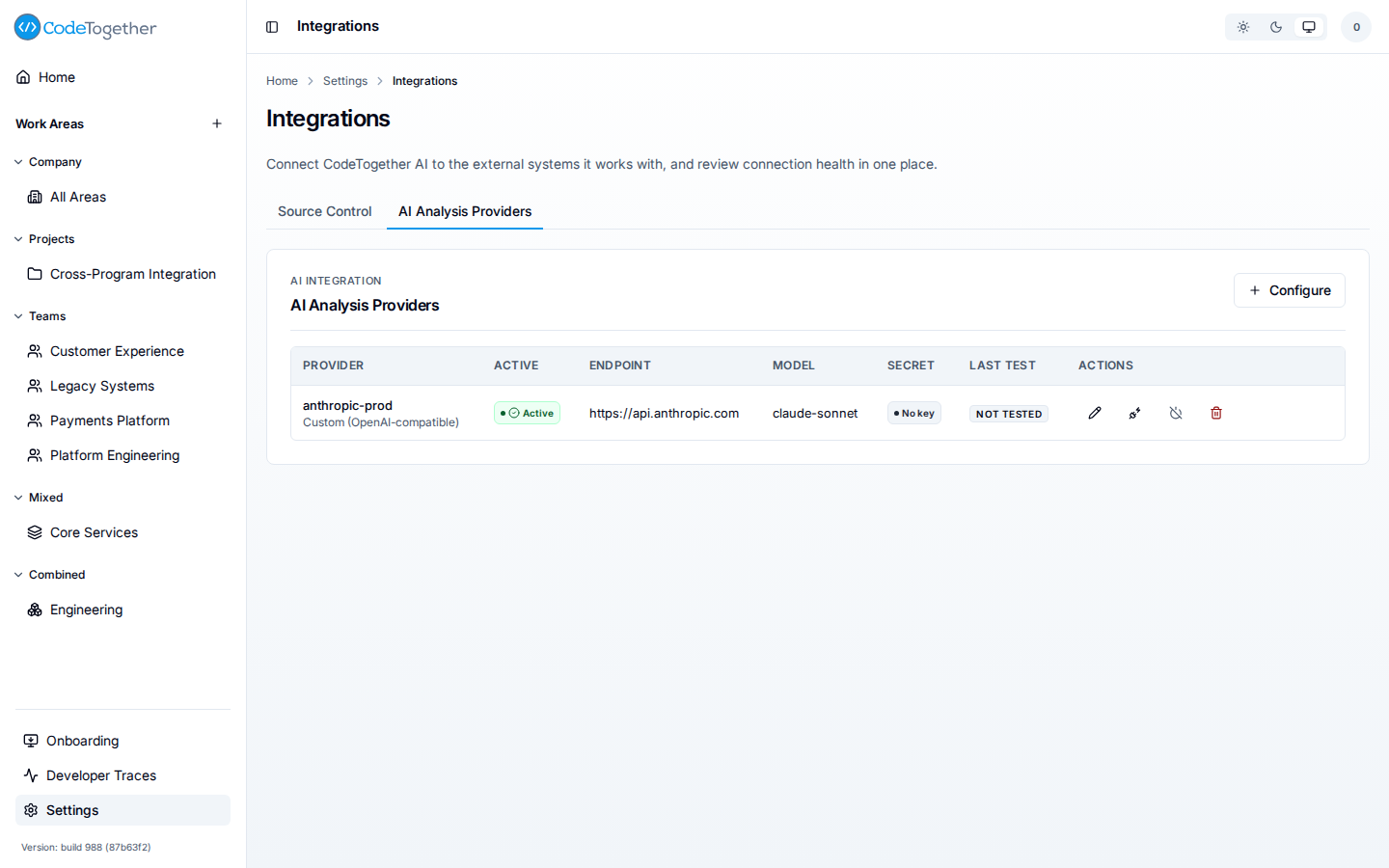
Normal tracking sends no code content to any external service. One optional feature does: the AI analysis that produces full-fidelity value points reads a diff — the set of changed lines — of each merged branch to score its business value, quality, and completeness.
You configure the endpoint that receives this diff — your own account with Anthropic,
OpenAI, Ollama, or any OpenAI-compatible provider. The credentials are yours; CodeTogether
AI does not supply the model and does not train on your data. Without a connected provider,
value points fall back to a deterministic heuristic and the fidelity is shown as
heuristic in the portal.
This connection is off by default everywhere. On on-premises deployments, an Owner or Admin activates it directly at Settings > Integrations. On-premises the system-level Owner role is displayed as Super Admin wherever roles are listed, such as Settings > Access; the role itself is unchanged, and a work area's own Owner role is a different role that keeps its name. See Roles. On SaaS, it is not self-service: your CodeTogether AI account team enables it as part of a Company plan. See Connect integrations.
Related
- How tracking works — the client-side mechanics behind this boundary.
- Every pull request has a price — what the captured data is used for.
- Connect integrations — enabling an analysis provider.
- Value points — how fidelity levels affect the score.