Google SSO Setup (OIDC)
This guide explains how to create and configure a Google OAuth application for CodeTogether SSO.
Audience
SSO/IdP Administrator
Create the Google OAuth app and provide required values.
CodeTogether System Administrator
Apply values in cthq.properties, restart services, and validate login.
Prerequisites
- Access to Google Cloud Console
- Permission to create OAuth credentials in your Google Cloud project
- Access to your CodeTogether environment configuration (QA/Staging/Prod)
1) Open Google Cloud project
- Go to Google Cloud Console
- Select an existing project (or create one for SSO)
- Navigate to APIs & Services
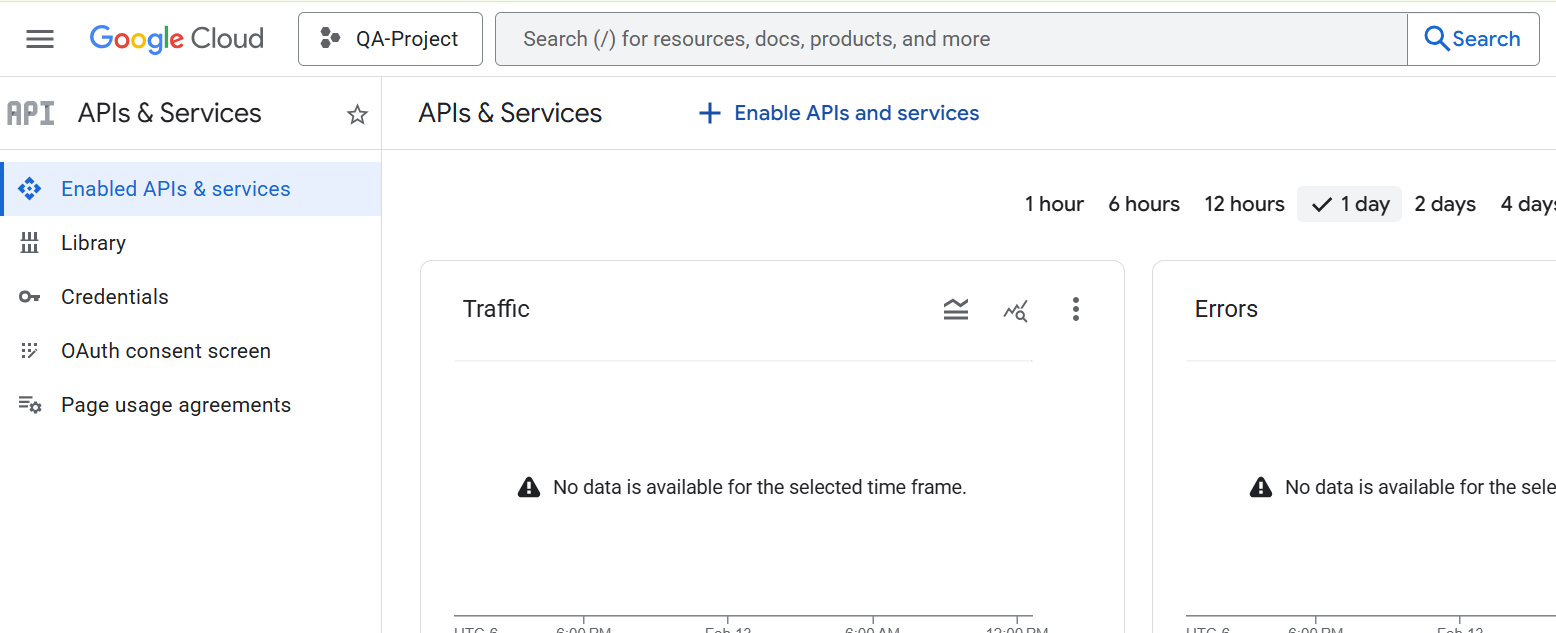
2) Configure OAuth consent screen
- In APIs & Services, open OAuth consent screen
- Configure required app details (app name, support email, etc.)
- Save
note
If your app is in testing mode, only configured test users can sign in. Publish/verify as needed for broader access.
3) Create OAuth client credentials
- Go to APIs & Services → Credentials
- Click Create Credentials → OAuth client ID
- Select Application type: Web application
- Set a name (e.g.,
CodeTogether SSO) - Under Authorized redirect URIs, add:
https://<your-domain>/api/v1/auth/sso/success/insights
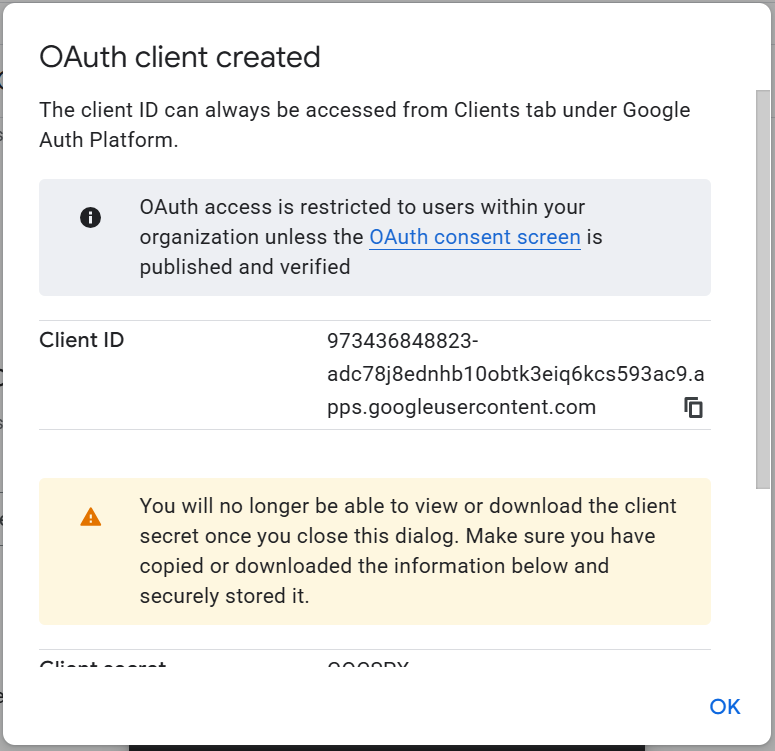
- Click Create
- Copy:
- Client ID →
hq.sso.client.id - Client Secret →
hq.sso.client.secret
- Client ID →
4) Confirm redirect URI
In the OAuth client configuration, verify this redirect URI is present and exact:
https://<your-domain>/api/v1/auth/sso/success/insights
Must match exactly (scheme, host, and path).
5) Configure CodeTogether (cthq.properties)
hq.sso.provider=google
hq.sso.label=Google
hq.sso.client.id=<GOOGLE_CLIENT_ID>
hq.sso.client.secret=<GOOGLE_CLIENT_SECRET>
hq.sso.client.issuer.url=https://accounts.google.com
hq.sso.redirect.uri=https://<your-domain>/api/v1/auth/sso/success/insights
6) Deploy and restart
Apply configuration changes
- Restart backend services so SSO settings are reloaded
7) Validation checklist
- OAuth client exists in Google Cloud
- Redirect URI matches exactly in Google and CodeTogether
client.idand client.secret are correct and activeclient.issuer.urlis https://accounts.google.com- Login flow redirects to Google and returns successfully to:
/api/v1/auth/sso/success/insights