Getting Started with CodeTogether
CodeTogether is a powerful platform that combines advanced engineering intelligence with seamless collaboration tools to elevate your development workflow. At its core is the Intelligence Suite, which transforms data into actionable insights, ensuring that teams can track progress, set goals, and optimize performance with ease. Paired with CodeTogether Live, the platform enables real-time collaboration, making it easier than ever to work together efficiently.
Engineering Intelligence
CodeTogether’s Intelligence Suite goes beyond data collection, transforming raw metrics into actionable insights that enhance team efficiency and performance. Its core capabilities include:


The CodeTogether Portal is your central hub for engineering intelligence, providing real-time insights and data-driven strategies to improve productivity and workflow efficiency.
Opening the CodeTogether Portal
Log in to CodeTogether from your IDE (such as IntelliJ, VS Code, or Eclipse), and then click the Dashboard button in the CodeTogether view.
Alternatively, use the appropriate URL:
- SaaS users: https://app.codetogether.com
- On-premises users: Use the custom URL provided by your system administrator
Once your projects are configured, CodeTogether immediately starts collecting data. Over the next two weeks, it builds an activity profile based on engineering work patterns. When training is complete, machine learning algorithms detect inefficiencies, anomalies, and opportunities for improvement.
CodeTogether Portal Overview
Activity Dashboard
The Activity Dashboard in CodeTogether is a centralized space for tracking workflow efficiency, engagement, and recent activities. It provides insights at various levels—company, department, project, and individual tasks—helping users stay informed and aligned with team objectives.
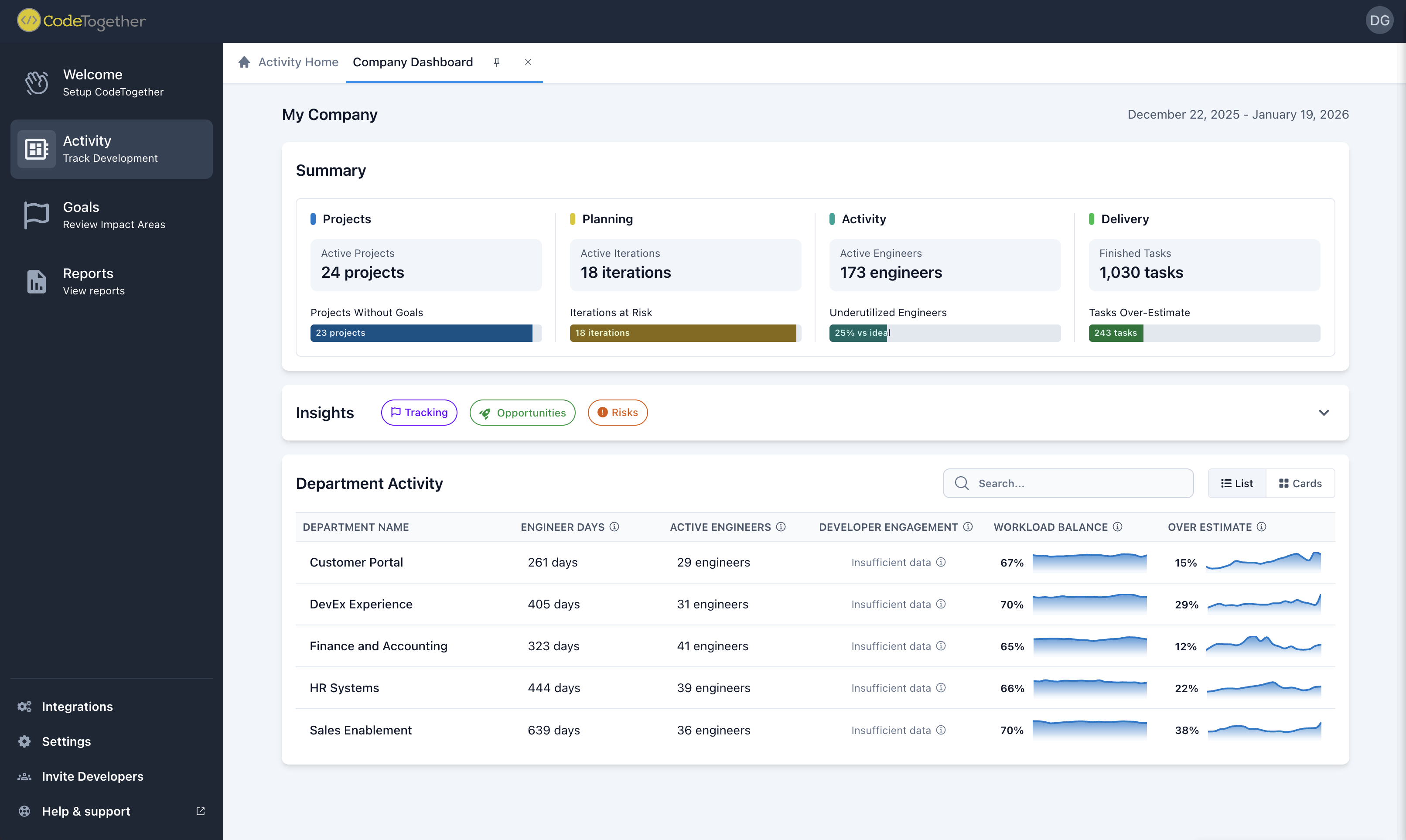
For more information, see Using the Activity Dashboard.
Goals Dashboard
The Goals Dashboard in CodeTogether provides a structured way to set, track, and manage goals at every level—company-wide, department-specific, and project-based. With AI-driven insights and real-time tracking, teams can stay aligned with strategic objectives and adapt to evolving priorities.
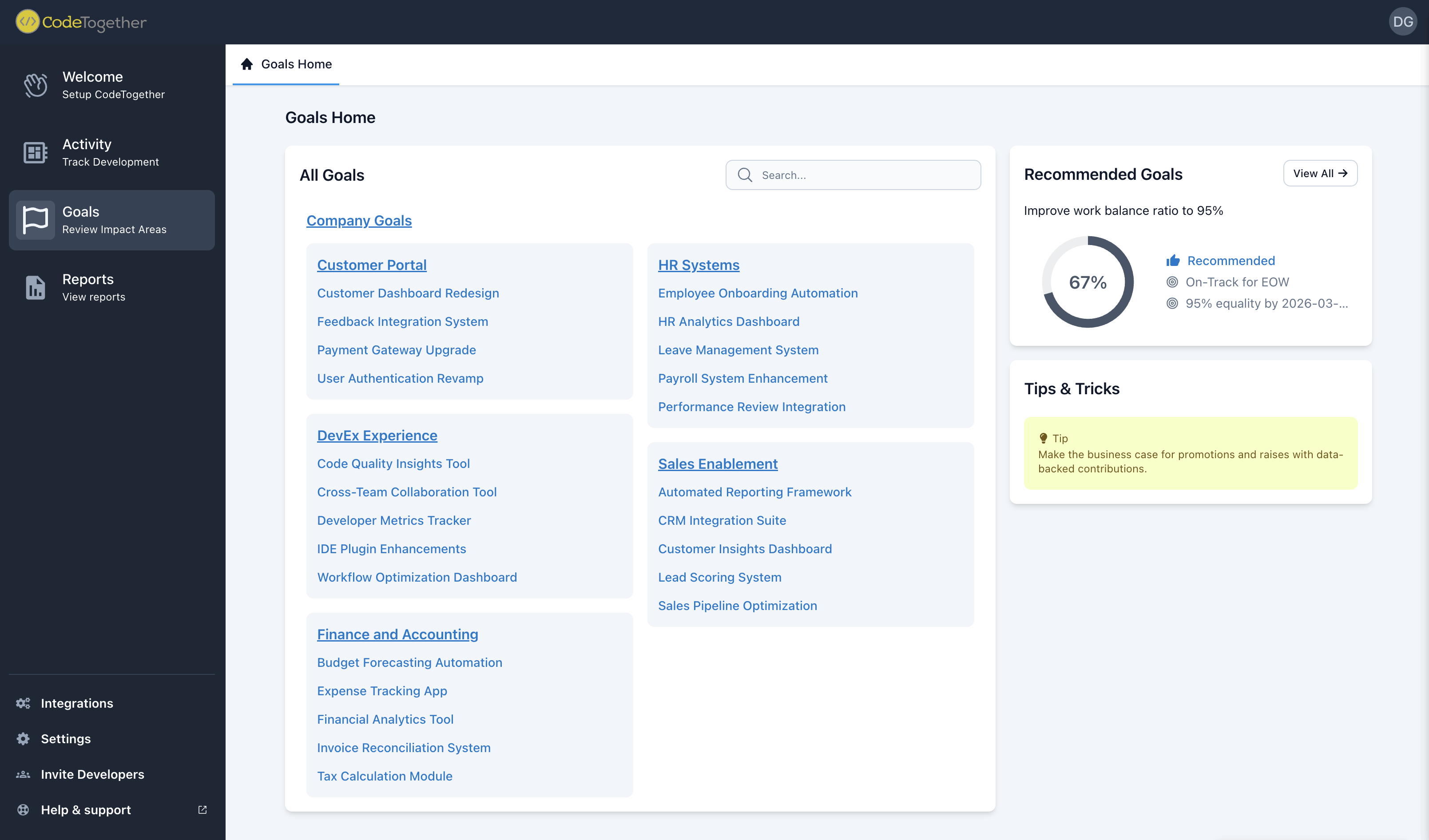
For more information, see Using the Goals Dashboard.
Work Overview
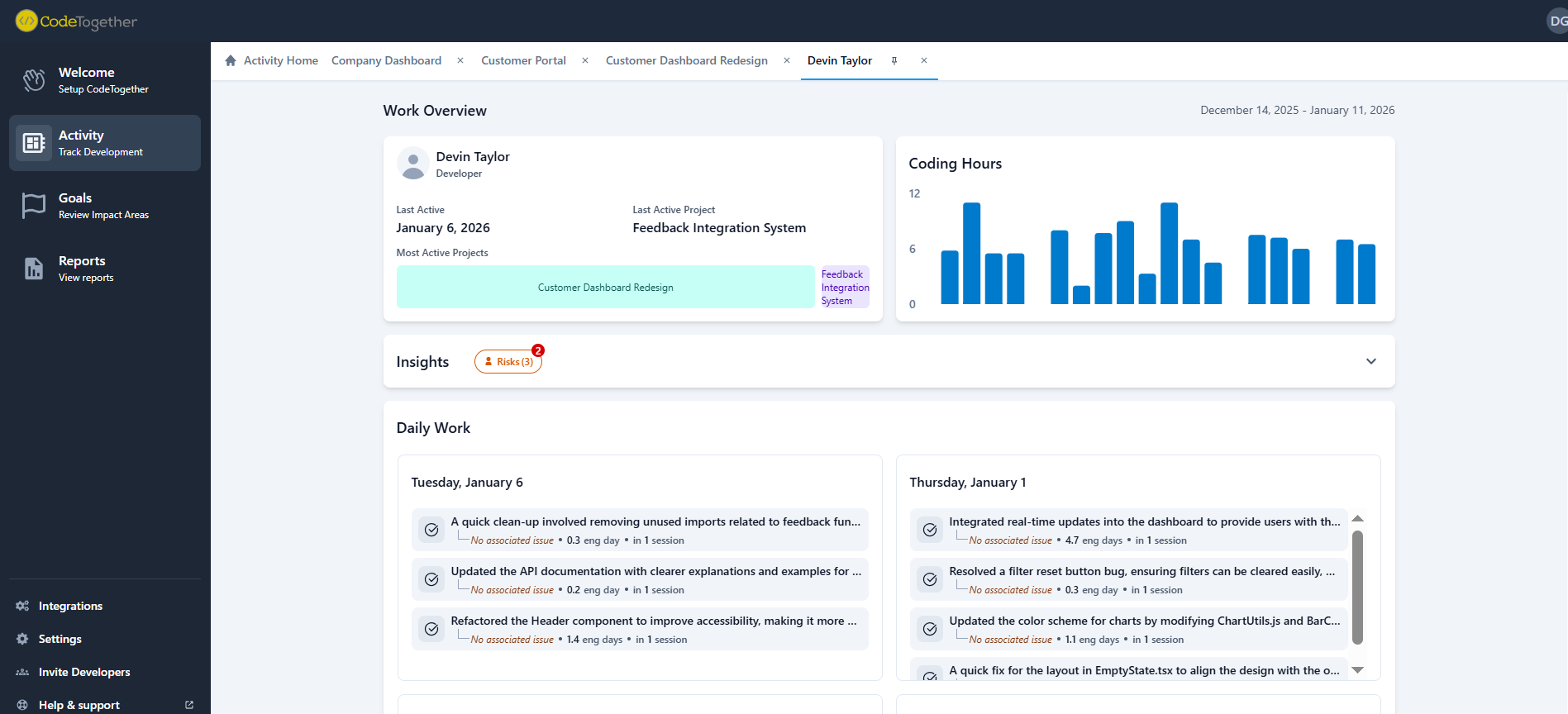
Accessible through the Activity Dashboard, Work Overview provide a detailed record of individual and task-based activity across projects. By capturing real-time work patterns, task progression, and development activity, Work Overview ensure transparency, accountability, and efficiency.
Collaboration
Enhance your team’s productivity with the Live module, a powerful collaboration tool designed for seamless real-time interactions. With the CodeTogether Live module installed, you can host collaborative coding sessions directly from CodeTogether.
- Live Sharing—Hosts can invite guests to join a collaborative coding session from their preferred IDE—even if it differs from the host IDE. Browser-based access ensures inclusion for those without a compatible IDE. For more information, see Getting Started with Live Collaboration and Working in a Live Collaboration Session.
Audio/Video features are no longer supported. Any A/V-related options in older documentation or configurations are ignored by current releases.